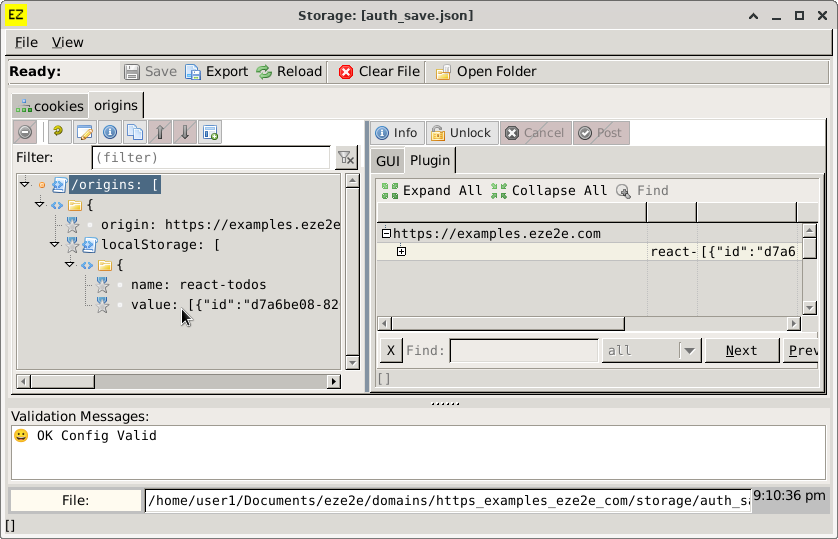
Changing Settings
Adding a setting..
`Array Of` Has Square Brackets: []
Right-click tree and click `Add Item To List`.
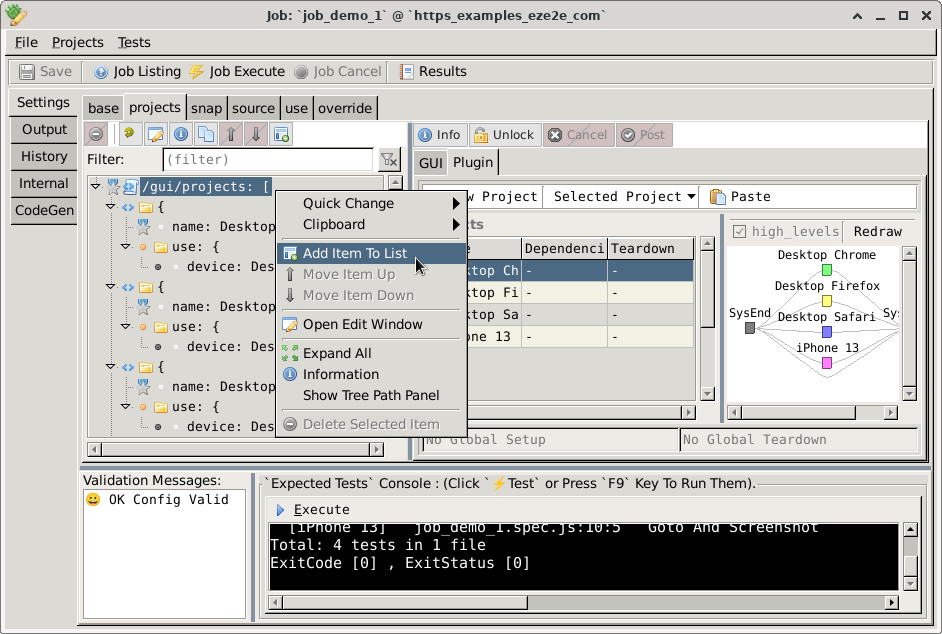
`Set Of` Has Curly Braces: {}
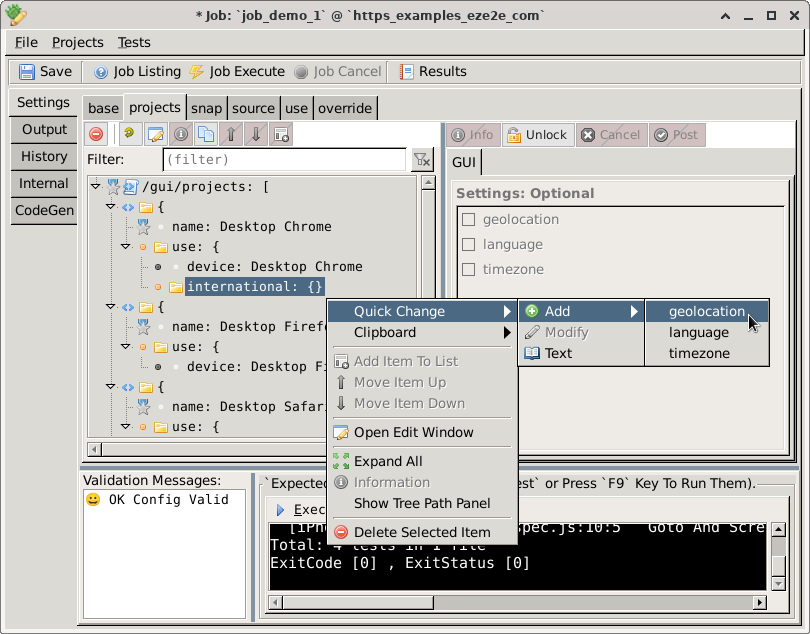
Method 1. Right Click `Tree`, Add Single Item.
Right-click the tree and select an item to add to your settings.
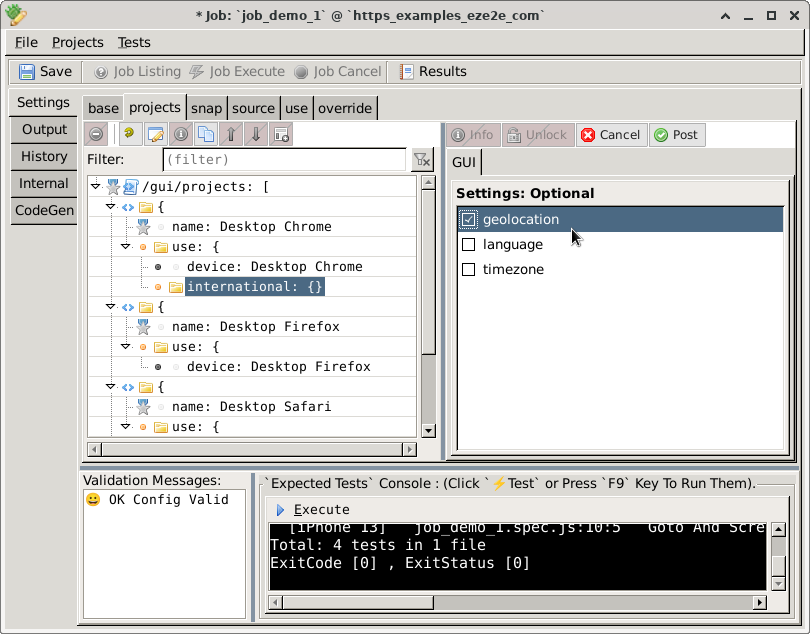
Method 2. Unlock `Panel`, Add Multiple Items.
Click `Unlock` Button.

Click `Cancel` or `Post` when finished.

Changing a setting..
Click `Unlock` Button.
Click `Cancel` or `Post` when finished.
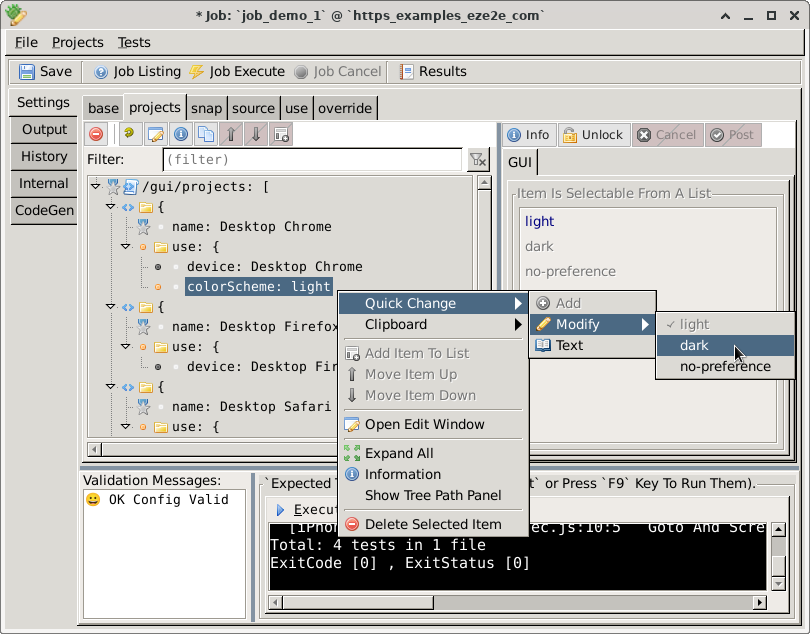
Selectable items (i.e. enum) can be changed by:
- right-clicking the tree.
- pressing control-space.
Plugins
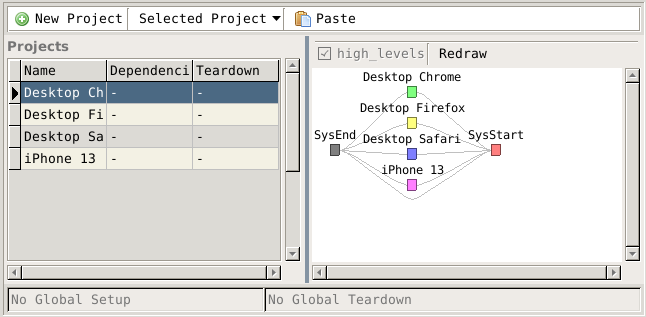
Projects.
See Also: Projects
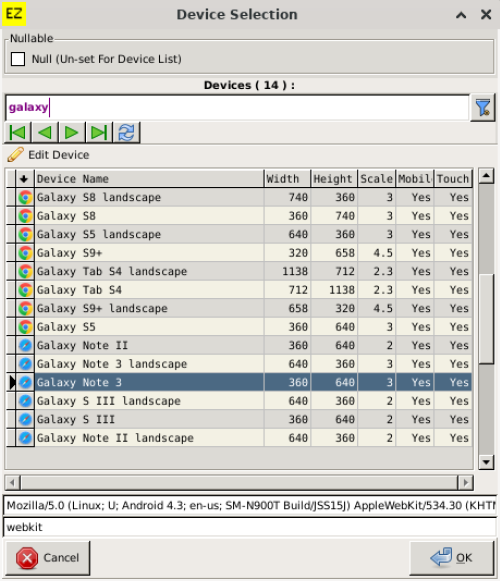
Device.
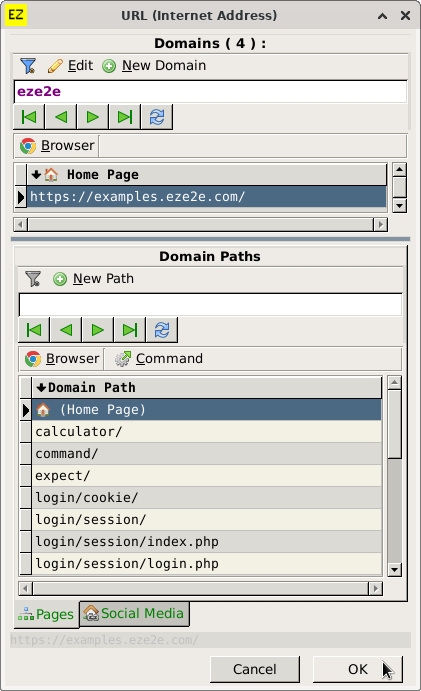
Internet Address (baseURL).
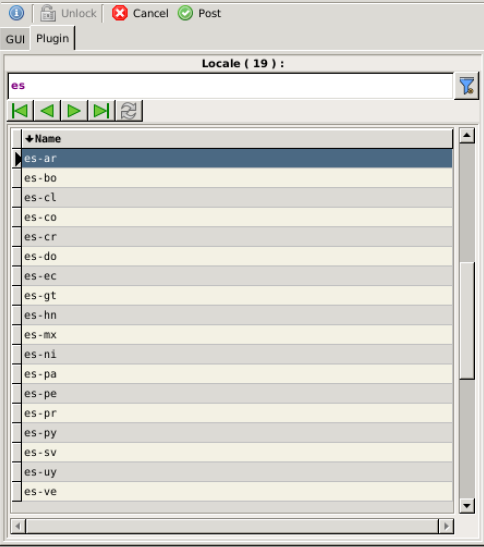
Language / locale.
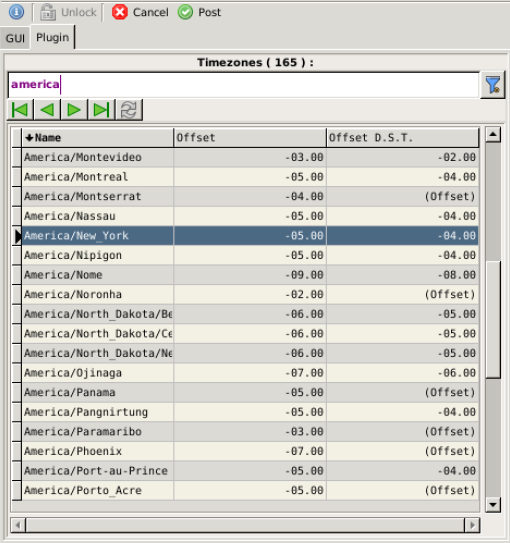
Timezone.
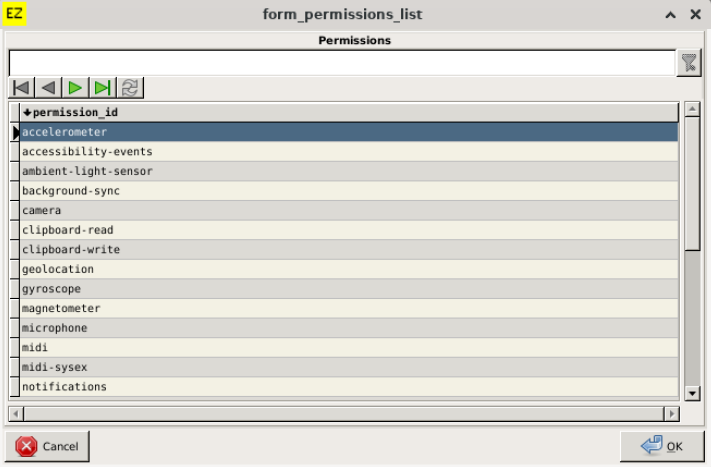
Permissions.
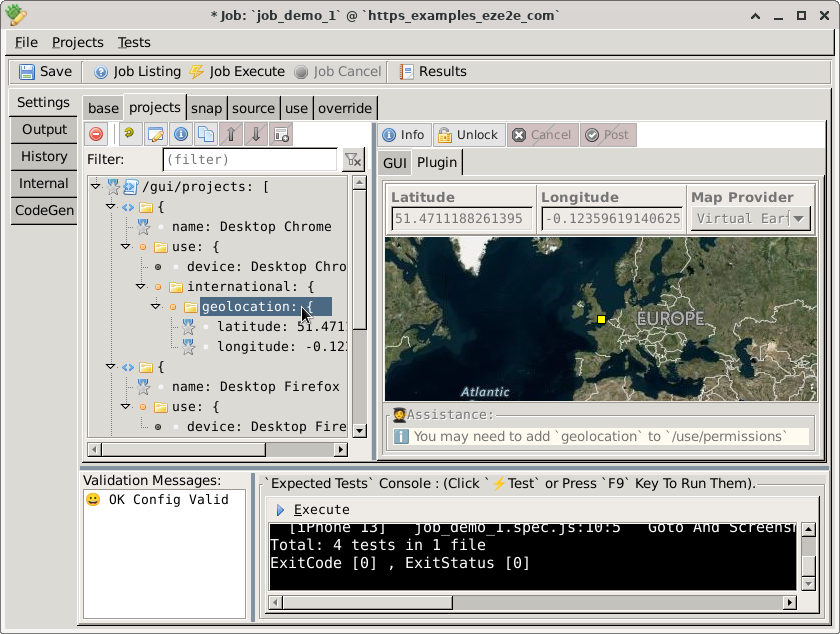
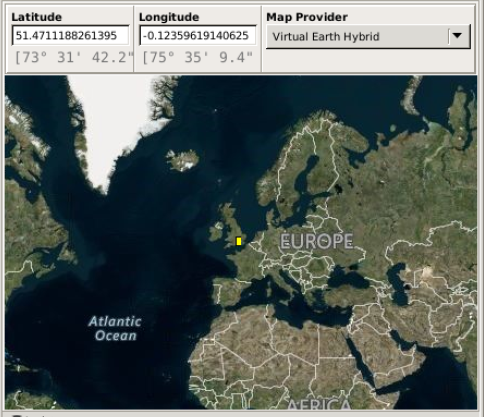
Geolocation.
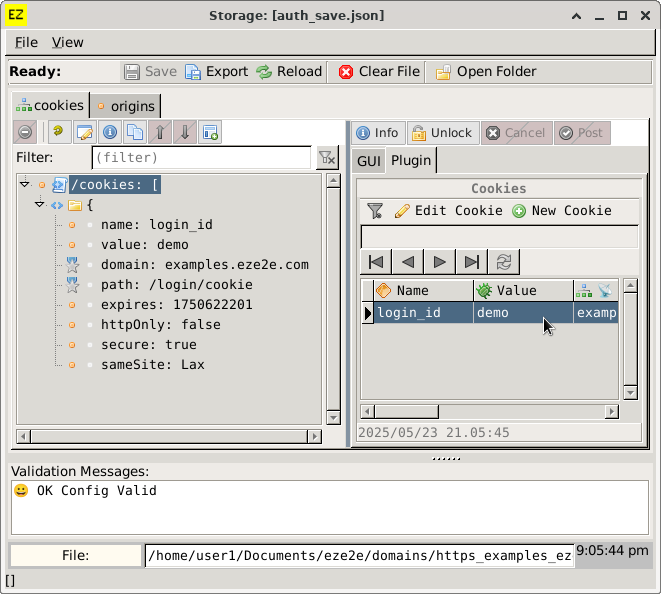
Cookies.
Origins.