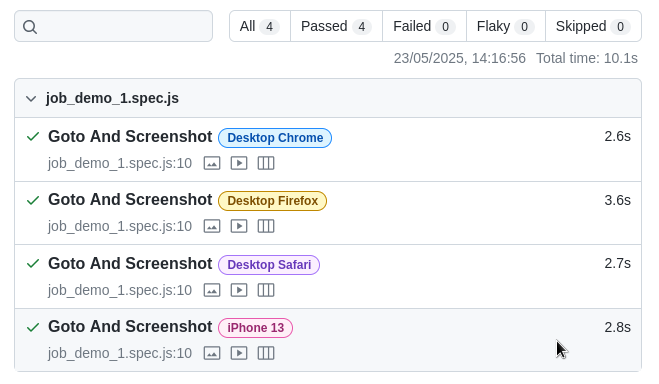
Execute Job
Execute a job anytime you think your website needs to re-run tests.
1) Open `My Jobs` and select the job you want to run.
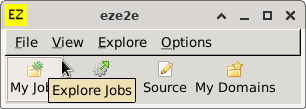
2) Initialise Job.
If a job has never run before, it needs initialising.
Click `Job (Initialise)` button.
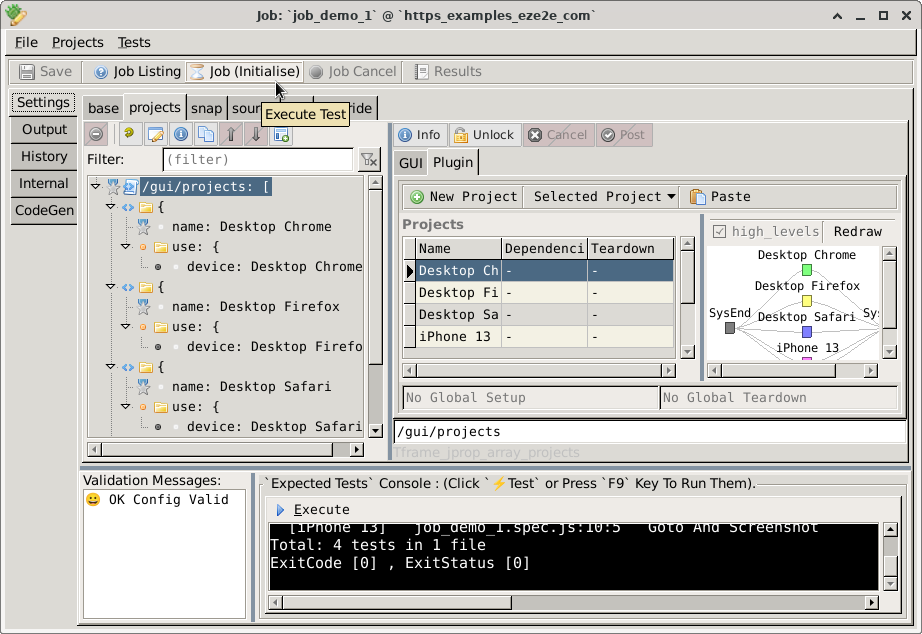
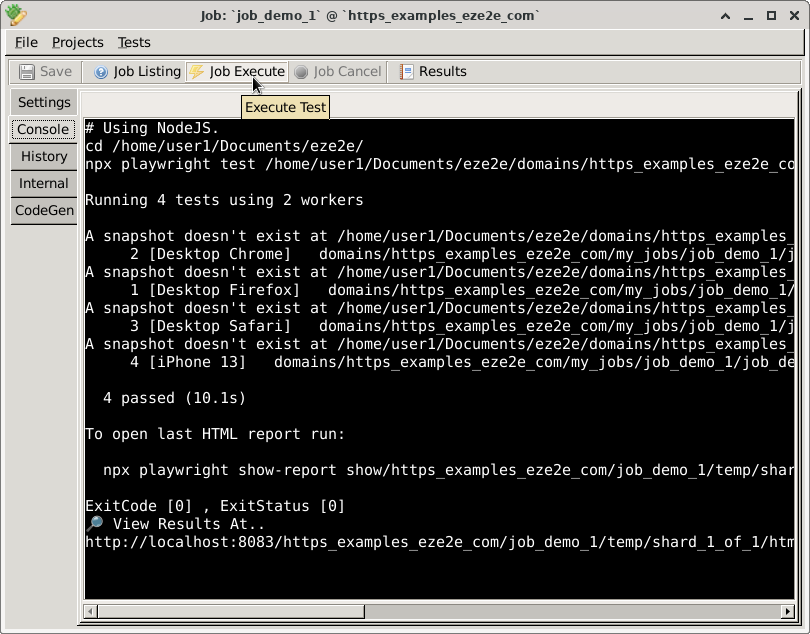
The Output Console.
Note: Messages indicate 'A snapshot doesn't exist'.
These snapshots are automatically created during the initialisation process.
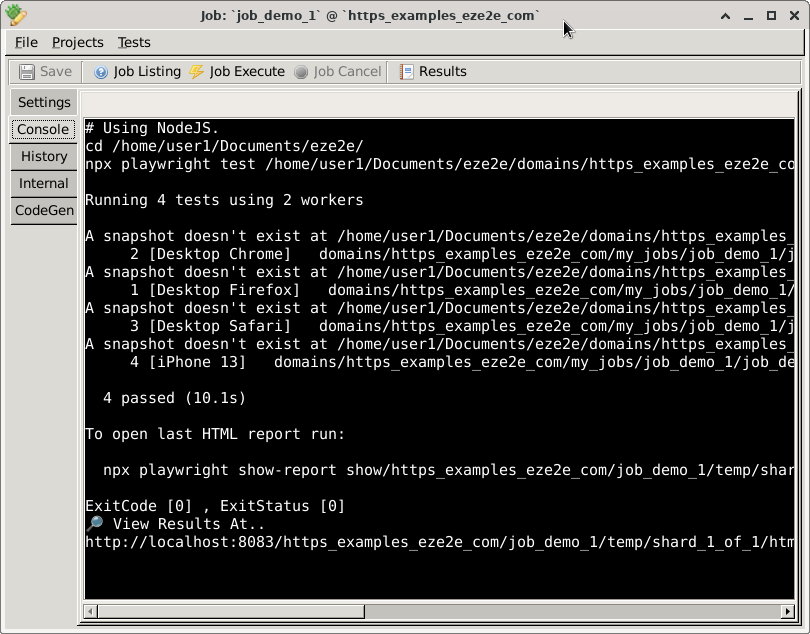
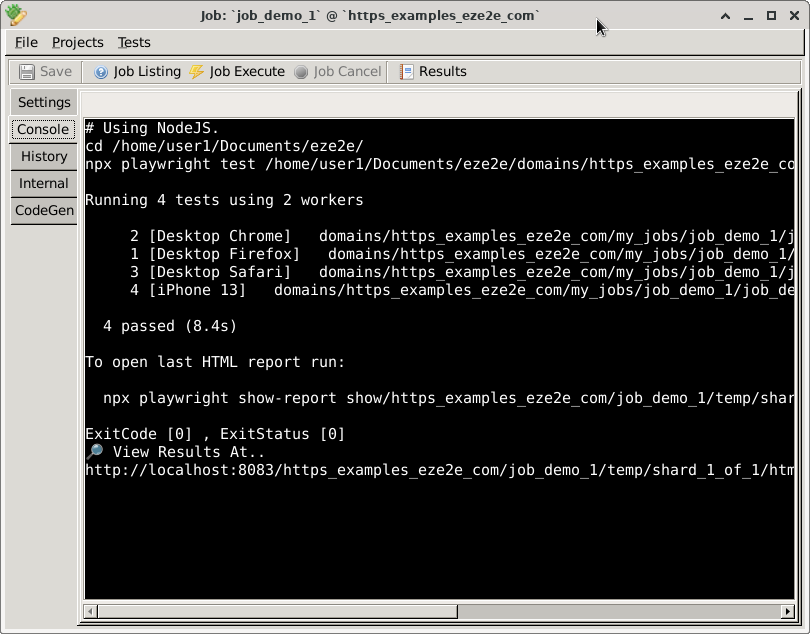
3) Re-execute your test job.
Click `Job Execute` button.
Note: Messages about missing snapshots has now gone (i.e. has been initialised).
4) Results are opened in your browser.