Login & Logout (authority)
Some tests may require the user to login & logout a.k.a. `authority`
Select a `job structure` when you create a new job, to automatically configure your jobs' authority.
Method 1 (Recommended)
Select `Setup - Global` or `Setup - Global With Helper`.
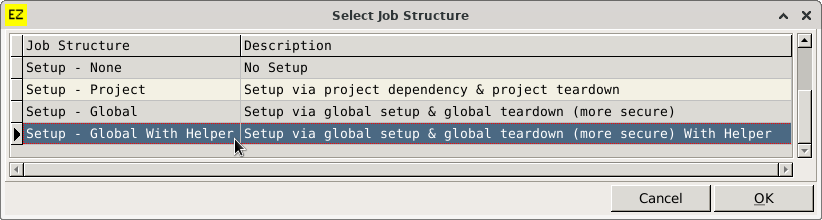
This method defines a global-setup & global-teardown javascript file for all projects.
This method has the security advantage of not displaying username & password in the test report, which you might share with non-developers.
How it works:
a) The global-setup code is executed prior to all your test projects e.g. login to user account.
b) All your test projects are executed.
c) The global-teardown code is executed after all your test projects have finished, e.g. logout of user account.
See Also:
Method 2
Select `Setup - Project`.
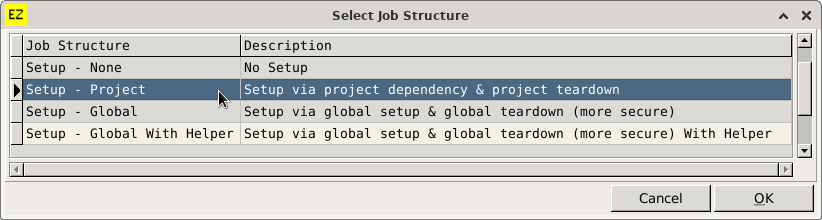
This method does the following:
2.1) Adds a project to another projects `dependencies` list.
2.2) Assigns a project to another projects `teardown` item.
This method risks username & password being displayed in the test report, which you might share with non-developers.
How it works:
a) Projects are executed in such an order that all projects that are listed in other projects `dependencies` are executed first, e.g. login to user account.
b) Other projects are executed.
c) Projects allocated as a teardown project are executed, e.g. logout of user account.
See Also: